
I was somewhere over the Atlantic on my way to Bogotá on an Avianca flight when I opened the Miles and More award map. That’s when I noticed something uncomfortable. My Business class booking was issued in booking class F. According to the M&M award table, that earns zero miles and zero status points.
So much for the status run. The seat was nice, the mileage credit was not.
I didn’t want to delete the flight yet. The ticket might still get reissued, or I might be misreading the chart. But I wanted to know one thing: what does my status progress actually look like without this flight in the mix?
That question turned into a new feature. Meet Pause in the MileHunter dashboard.
What Pause Actually Does
Pause is a non destructive way to temporarily remove a flight from your status calculations. The flight stays in your log, but MileHunter treats it as if it doesn’t exist when computing your Points, Qualifying Points, and HON Circle Points. That includes the progress bars and the status timeline.
Think of it as a “what if this flight didn’t count” simulation. No risk, no data loss.
How to Use It
1. Find the flight you want to pause
In your dashboard flight log, every flight now has a pause button next to edit and delete.
2. Click pause
The flight is excluded from all calculations the moment you click. The row turns grey and dimmed, the flight name gets a strikethrough, a small “Paused” badge appears next to the route, and the pause button turns green so you know you can resume it.
3. Watch your status update in real time
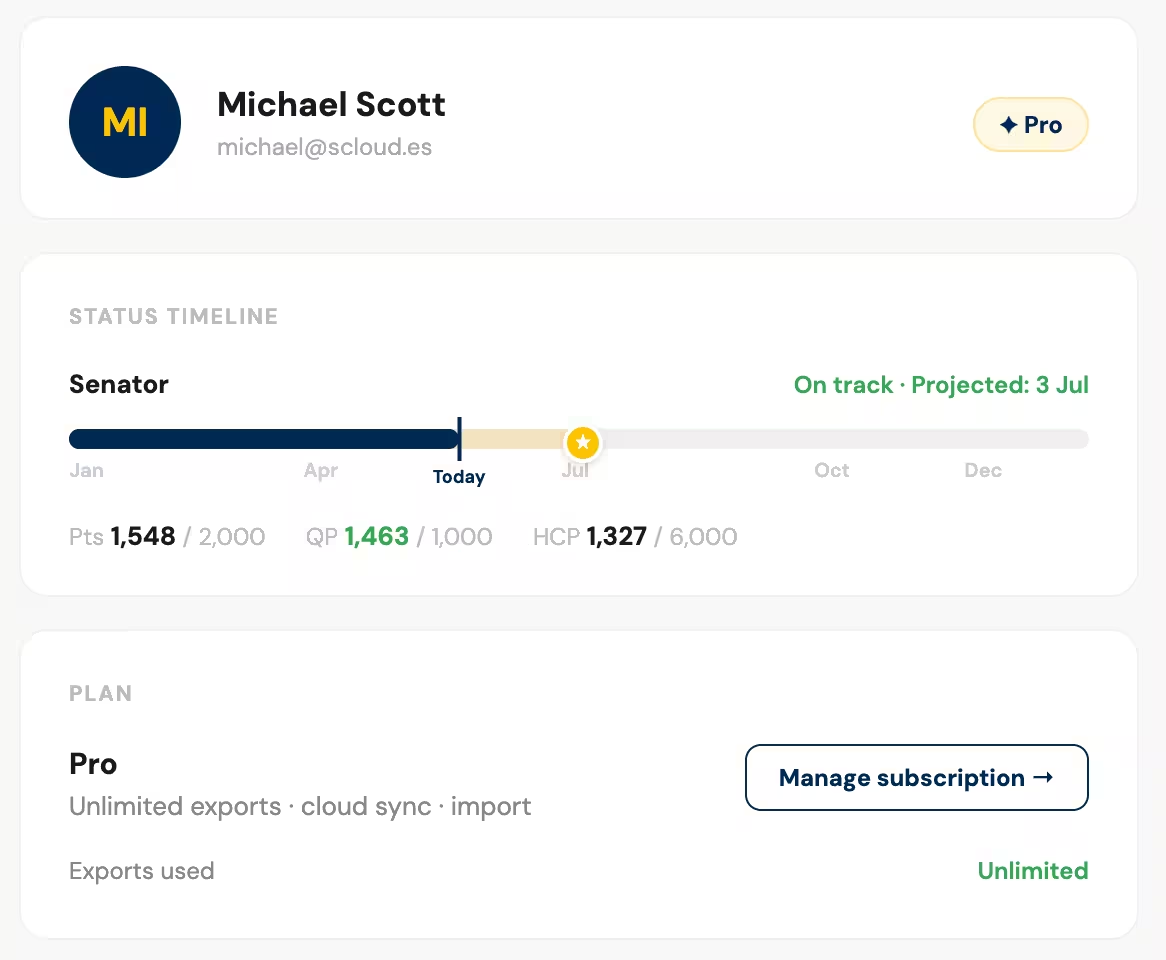
Scroll up to the status cards and timeline. They now reflect your progress without that flight. You see immediately how much your status changes. No math required.
4. Resume anytime
Changed your mind, or did the ticket get reissued correctly? Hit the green button to unpause. The flight is back in the calculation instantly.
The paused state is saved in your browser via localStorage, so it survives a page refresh. It stays purely local, which means it’s your personal simulation and never touches the server.
Why Not Just Delete It?
Deleting a flight is permanent, and the dashboard now asks for confirmation before it removes anything. Pause is the better move when:
- You’re not sure yet whether the booking class will earn miles
- You want to model a scenario before a trip
- You’re testing different status goal strategies
- You just want a temporary what if without touching your data
Try It
The pause feature is live now at milehunter.ch. If you’ve got a questionable booking class, or you want to stress test your status strategy before committing, give it a spin.
If something looks off, or you have ideas for what should land in the dashboard next, hit the feedback button in the app. I read everything.
Florian